
CartesianChart
The CartesianChart component renders a chart frame and provides TinyBase source and layout context to LineSeries component and BarSeries component children.
CartesianChart(props: (
  TableSourceProps | QuerySourceProps &
  ChartProps &
  {children?: ReactNode}
)): ComponentReturnType| Type | Description | |
|---|---|---|
props | ( TableSourceProps | QuerySourceProps & ChartProps & {children?: ReactNode} ) | |
| returns | ComponentReturnType | A rendering of the chart frame and its series. |
See the Composing Charts (React) demo for this component in action:
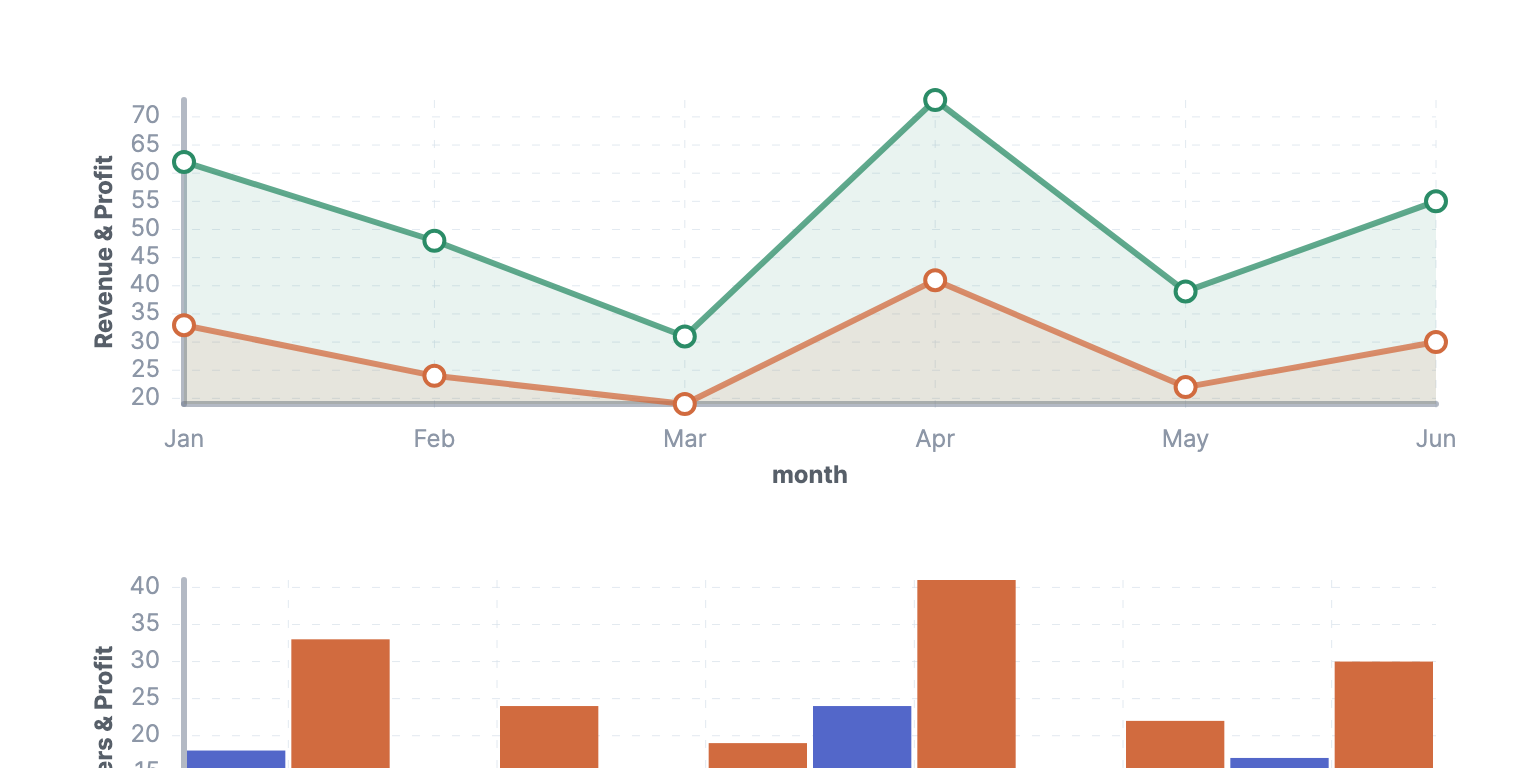
The series children declare their own xCellId and yCellId bindings. The optional XAxis component and YAxis component children can be used to configure axis titles, bounds, ticks, and tick formatting.
Example
This example creates a Store and renders two LineSeries component children in a CartesianChart component.
import React from 'react';
import {createRoot} from 'react-dom/client';
import {createStore} from 'tinybase';
import {CartesianChart, LineSeries} from 'tinybase/ui-react-dom-charts';

const store = createStore().setTable('pets', {
  hamsters: {order: 1, sold: 12, returned: 1},
  rabbits: {order: 2, sold: 9, returned: 2},
});
const App = () => (
  <CartesianChart store={store} tableId="pets">
    <LineSeries
      className="sold"
      label="Sold pets"
      xCellId="order"
      yCellId="sold"
    />
    <LineSeries
      className="returned"
      label="Returned pets"
      xCellId="order"
      yCellId="returned"
    />
  </CartesianChart>
);
const app = document.createElement('div');
createRoot(app).render(<App />);
console.log(app.firstChild?.nodeName.toLowerCase());
// -> 'svg'
Since
v8.5.0